
Deleting a Workflow
You can delete the Workflow by using the following steps:
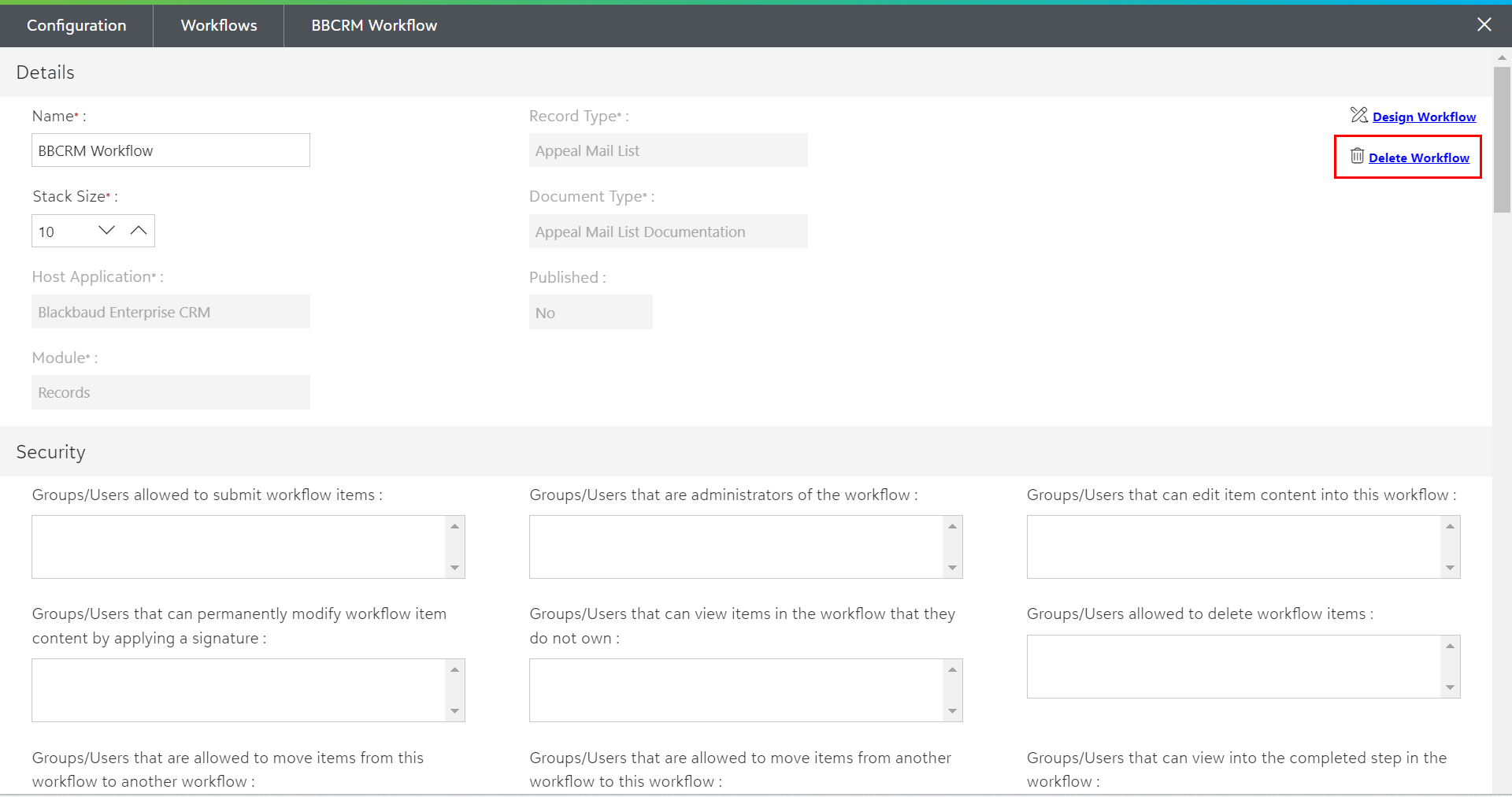
1) Open any existing Workflow and click on the Delete Workflow button within the full-page dialog box as shown in the below screen.
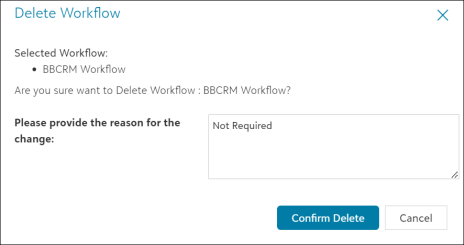
2) On clicking the Delete Workflow option, a dialog box will pop up. You must provide the appropriate reason to delete the Workflow and then, click on Confirm Delete option, as shown in the below screen.
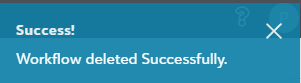
3) You will see a message notification (in the top right corner of the screen) based on the success/failure of the delete operation.
Note: PaperSave includes the reason for the deletion of a Workflow in the audit log.